Kition
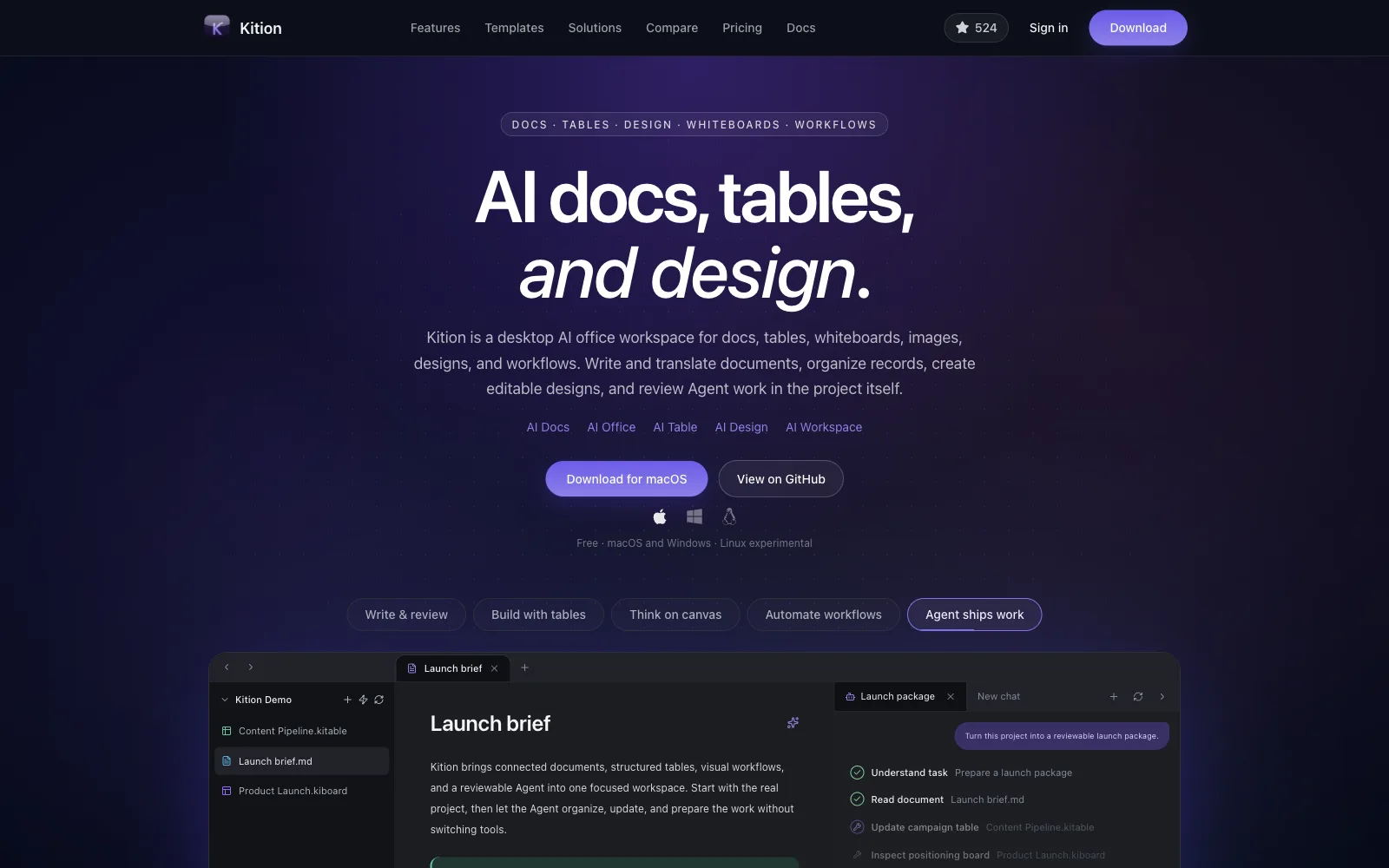
Desktop AI workspace for connected documents, structured tables, editable designs, whiteboards, visual workflows and reviewable AI agents.
Structured tables that turn data into useful tools.
Kition Office · Office Cluster
table keeps typed records next to your knowledge: fields, attachments, formulas, views and AI fields that fill themselves in. Workflows and the agent read and write the same file.
Each building is something this kit really does. Click a building to read about it.
Field Depot
Typed fields, attachments, formulas and links between tables.
View Hangar
Filters, sorting, grouping, multiple views and dashboards over the same records.
AI Field Factory
AI fields generate text, structured values and media for every record, so the table is both queue and review surface.
Import Dock
Import CSV, TSV and XLSX into a table; export CSV and Markdown.
Workflow Rail
Workflows and form or email sync read and write tables through the kit.
The holograms over the city. Each one only uses what the kit can do today; the ones marked Template open a published Kition template.
Template
Track delivery work with owners, progress, dates, priority flags, status updates and notes in one table.
Uses: Typed fields · Views and dashboards
Open the template on kition.ai ↗Template
Prospects, active clients, deal value, relationship health and follow-up dates, with a workflow that keeps contact details clean.
Uses: Typed fields · Views and dashboards · Shared with workflows
Open the template on kition.ai ↗Template
Receipt images sit beside the vendor, address, category and totals an AI field extracted, ready to correct and export.
Uses: AI fields · Import and export
Open the template on kition.ai ↗Products built with this kit. Same size for every settlement, no paid spots.
Desktop AI workspace for connected documents, structured tables, editable designs, whiteboards, visual workflows and reviewable AI agents.
These are real commands from this kit’s engine. An agent sends them over the Kit Harness Protocol and gets the edited file back.
table.records.createAdd recordstable.records.updateUpdate recordstable.fields.createAdd a fieldtable.views.createCreate a viewtable.import.runImport a filetable.csv.exportExport CSVtable.dashboards.upsertBuild a dashboardKition ships an MCP server for its kits. Run it over stdio against a folder, without the app open, and your agent gets tools like table_inspect, table_run and table_check for every kit.
# Claude Code
claude mcp add kition -- kition-kits-mcp --workspace /path/to/your/folder

# Any MCP client (mcpServers config)
{
  "mcpServers": {
    "kition": {
      "command": "kition-kits-mcp",
      "args": ["--workspace", "/path/to/your/folder"]
    }
  }
}The kition-kits-mcp binary comes with Kition. Without a licence key it runs in development and evaluation mode.
.ktable.csv.tsv.xlsxKition launches with 1,300+ official Skills, at least 100 for every kit, each one run for real with a preview image. Browse them on kition.ai.
Browse Skills on kition.aiYes. Kition is open source under Apache-2.0 and the software is free. There are no personal subscriptions, memberships or ads; you only pay for AI compute if you choose hosted AI.
Yes. Every Kition kit speaks the Kit Harness Protocol (KHP), so an agent can open a file, run commands such as table.records.create, table.records.update, and save the result. MCP connects AI to tools; KHP lets AI operate professional software.
Kition table saves .ktable. It also opens .csv, .tsv, .xlsx.
Kition table is in Beta. The kit version shipped with Kition right now is 0.2.0.
KitionAI/kition-table
README.mdcrates/kition-kits/src/manager.rsdocs/table-file-import.mdsrc/lib/sdk/kits/table.tskits/kits.lock.json