Kition
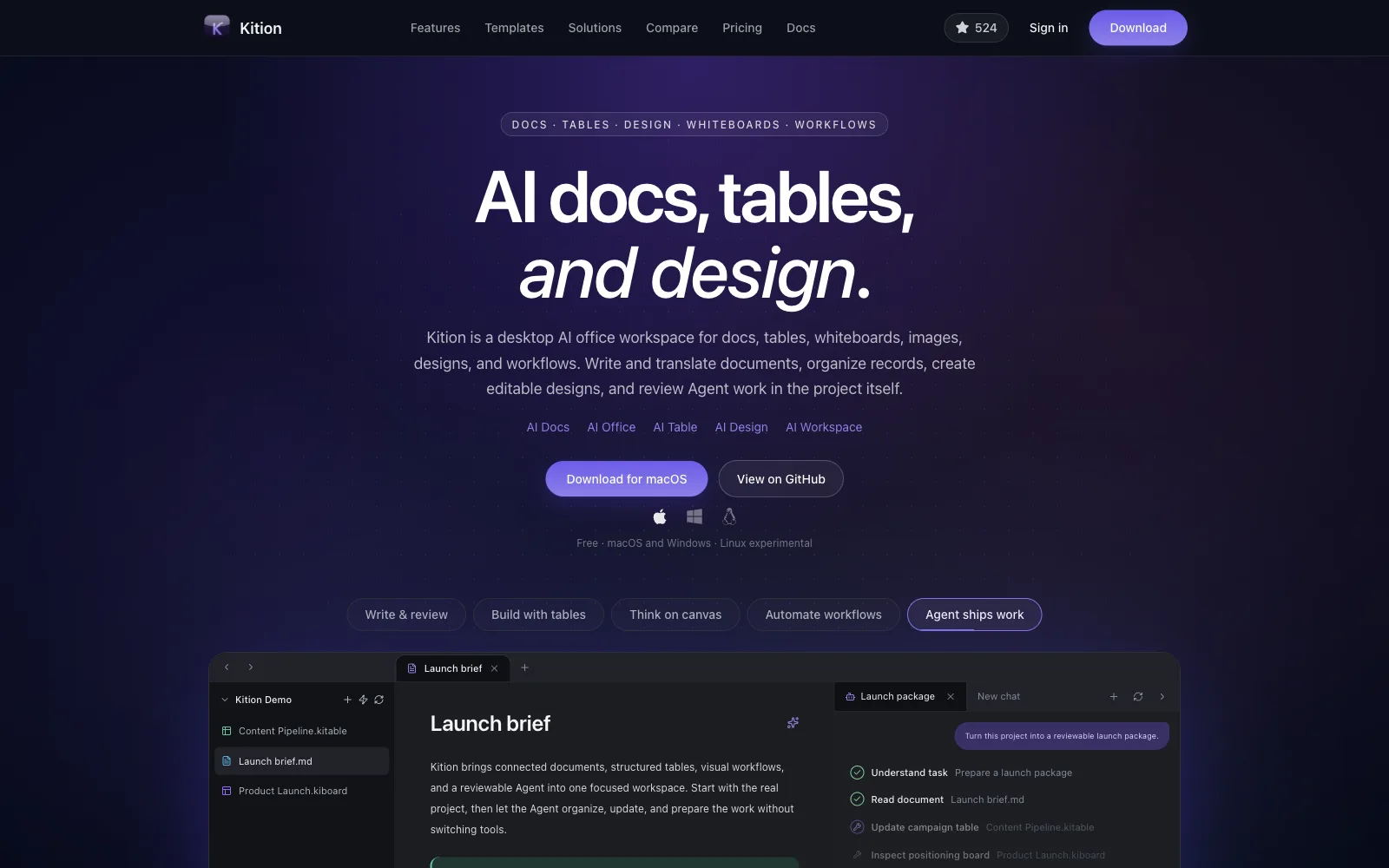
Desktop AI workspace for connected documents, structured tables, editable designs, whiteboards, visual workflows and reviewable AI agents.
Kition Office · Office Cluster
doc edits DOCX documents: typing, styles, fonts, paragraphs, lists, tables, pictures, headers and footers, references and review. Shapes, charts and ink work the same way as in sheet and slide.
Each building is something this kit really does. Click a building to read about it.
DOCX Press
Open and save .docx with styles, fonts, paragraphs, lists, tables and pictures.
Layout Works
Headers and footers, page number formats, references and equations.
Drawing Guild
Editable shapes, charts and ink, shared with sheet and slide.
Lock & Key
Open and save password-protected documents; start from blank, letter, resume or report templates.
Review Desk
Review tools for editing passes, plus PDF and PNG export.
The holograms over the city. Each one only uses what the kit can do today; the ones marked Template open a published Kition template.
Example
Editing passes with review tools on a real DOCX, password protection, and a PDF for signing.
Example
Headers and footers, page numbers, references and equations, with charts shared with sheet and slide.
Uses: Page layout · Shapes
Example
Start from the resume template, keep the styles and fonts, and send a DOCX anyone can open.
Products built with this kit. Same size for every settlement, no paid spots.
Desktop AI workspace for connected documents, structured tables, editable designs, whiteboards, visual workflows and reviewable AI agents.
These are real commands from this kit’s engine. An agent sends them over the Kit Harness Protocol and gets the edited file back.
text.insertType textformat.boldMake text boldformat.setApply formattingedit.replaceAllFind and replace everywherelayout.pageNumberFormatSet page number formatfile.exportPdfExport PDFKition ships an MCP server for its kits. Run it over stdio against a folder, without the app open, and your agent gets tools like doc_inspect, doc_run and doc_check for every kit.
# Claude Code
claude mcp add kition -- kition-kits-mcp --workspace /path/to/your/folder

# Any MCP client (mcpServers config)
{
  "mcpServers": {
    "kition": {
      "command": "kition-kits-mcp",
      "args": ["--workspace", "/path/to/your/folder"]
    }
  }
}The kition-kits-mcp binary comes with Kition. Without a licence key it runs in development and evaluation mode.
.docxKition launches with 1,300+ official Skills, at least 100 for every kit, each one run for real with a preview image. Browse them on kition.ai.
Browse Skills on kition.aiYes. Kition is open source under Apache-2.0 and the software is free. There are no personal subscriptions, memberships or ads; you only pay for AI compute if you choose hosted AI.
Yes. Every Kition kit speaks the Kit Harness Protocol (KHP), so an agent can open a file, run commands such as text.insert, format.bold, and save the result. MCP connects AI to tools; KHP lets AI operate professional software.
Kition doc saves .docx.
Kition doc is in Beta. The kit version shipped with Kition right now is 0.5.7.
KitionAI/kition-word
crates/kition-kits/src/manager.rsdocs/office-editing-unification-plan.mdsrc/lib/sdk/kits/word.tskits/kits.lock.json